The global rollout of Samsung’s One UI 9, the highly anticipated interface based on Android 17, is currently in full swing. Since the initial deployment began on September 16, Samsung has been systematically pushing the update to its latest flagship devices. As the update reaches more markets and a broader range of handsets, millions of users are preparing to overhaul their mobile experience. However, transitioning to a major OS upgrade requires more than just tapping a notification; it demands careful preparation to ensure data integrity and system stability.
This guide explores the intricacies of the One UI 9 update, the essential steps for a seamless transition, and what the latest AI-driven features mean for the future of the Galaxy ecosystem.
Main Facts: What One UI 9 Brings to the Table
One UI 9 is more than a simple aesthetic refresh. It represents a significant pivot toward integrated, proactive artificial intelligence. Built on the foundation of Android 17, the update introduces several key functionalities designed to make daily tasks more intuitive.
Core Features
- Intelligent "My Fancam": This new feature utilizes advanced image processing to track subjects during video recording, ensuring that focus remains locked on the target even in dynamic environments.
- Now Nudge: Perhaps the most significant productivity upgrade, "Now Nudge" offers context-aware suggestions during messaging. Whether it’s extracting reservation details from a conversation or saving location pins, the AI acts as a digital assistant that understands the nuance of your communication.
- AI-Enhanced Privacy: Security is at the forefront of this release. Samsung has introduced proactive scam detection and AI-driven privacy alerts that monitor background processes for potential security breaches, providing real-time warnings to the user.
Chronology of the Rollout
The deployment of One UI 9 has been characterized by a tiered strategy, prioritizing newer hardware while gradually expanding to mid-range devices.
- September 16: The official stable rollout begins, initially targeting the Galaxy S26 series.
- Late September: Expansion continues to regional markets, with priority given to unlocked devices in primary territories.
- October 2024: Commencement of the second wave of beta testing for the Galaxy A55 and A35 in South Korea, alongside the second beta iteration for the S24 series in India.
This phased approach allows Samsung engineers to collect telemetry data from early adopters, enabling them to squash bugs before the update hits older, legacy devices.
Getting Your Device Ready: Best Practices
Updating to a major firmware version is a critical operation for your device. Before initiating the download, users should follow a rigorous checklist to prevent data loss or "bricking."
1. Verification of Eligibility
Before anticipating the update, ensure your hardware is supported. The current stable build is optimized for:
- Galaxy S26 Series
- Galaxy S25 Series
- Galaxy Z Fold 5 and later
- Galaxy Z Flip 5 and later
- Select A-series devices (specifically those currently in the beta program)
2. Storage and Battery Management
The One UI 9 package is substantial, typically weighing in at approximately 4GB. It is vital to:
- Clear Cache and Unused Files: Ensure at least 6GB to 8GB of free space is available to account for decompression and system overhead.
- Charge to Full: Never attempt a major OS update with less than 50% battery. Ideally, keep your device plugged into a power source throughout the process.
- Stable Wi-Fi: Avoid cellular data for these updates. The potential for a corrupted packet during an unstable 5G connection could lead to system errors.
3. The Backup Protocol
Even with modern failsafes, data corruption remains a possibility.
- Cloud Synchronization: Use Samsung Cloud or Google Drive to sync your photos, contacts, and app data.
- Physical Backup: For sensitive documents or high-resolution media, connect your device to a PC or Mac and manually transfer files. This remains the gold standard for disaster recovery.
The Role of Beta Testing in Ecosystem Health
While the stable version is the focus for most, the beta program remains an essential component of Samsung’s development cycle. The current beta updates, such as the 403.66MB update for the Galaxy A55 and the 600.90MB patch for the Galaxy S24, provide a window into the company’s "agile" development methodology.
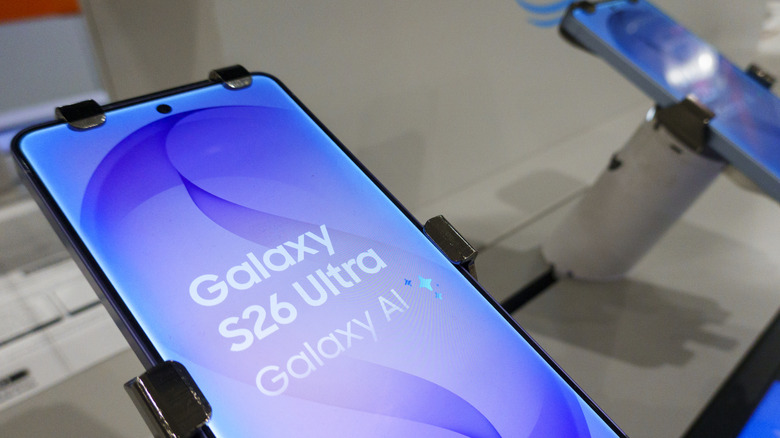
By keeping these devices in a "pre-release" state, Samsung can test how One UI 9 interacts with varying chipset architectures—ranging from the high-performance chips in the S24 to the efficiency-focused processors in the A35. Users participating in the beta program are instrumental in this, as their error reporting feeds directly into the optimization of the final, stable builds.
Official Responses and Strategic Implications
Samsung’s shift toward AI-centric software is a direct response to the competitive landscape of the smartphone market. With competitors increasingly leaning into generative AI, Samsung’s "Now Nudge" and security-focused AI alerts are designed to keep the Galaxy brand at the forefront of utility.
In various press communications, Samsung representatives have emphasized that "the goal of One UI 9 is not just to provide a new look, but to provide a new way of interacting with information." The company has prioritized a "privacy-first" approach, ensuring that the AI processing for features like the Fancam or security alerts happens locally on the device wherever possible, minimizing the data sent to the cloud.
Market Implications
The implications for the wider market are clear:
- Extended Lifecycle: By pushing One UI 9 to devices like the Z Fold 5 and S23, Samsung is reinforcing its commitment to long-term software support, which is a key selling point against smaller competitors.
- Platform Standardization: By unifying the AI feature set across the S, Z, and A series, Samsung is creating a consistent ecosystem. A user switching from an A-series phone to an S-series flagship will find the same AI-driven "Now Nudge" features, reducing the learning curve.
- Security as a Product: By making "scam detection" a central pillar of the marketing for this update, Samsung is acknowledging that security is no longer a "background" concern for users; it is a primary feature that influences purchasing decisions.
Conclusion: The Path Forward
The rollout of One UI 9 marks a turning point for Samsung Galaxy users. It is an update that prioritizes intelligence over superficial design changes. For the average user, the advice remains simple: check your compatibility, ensure your storage is clear, perform a thorough backup, and be patient.
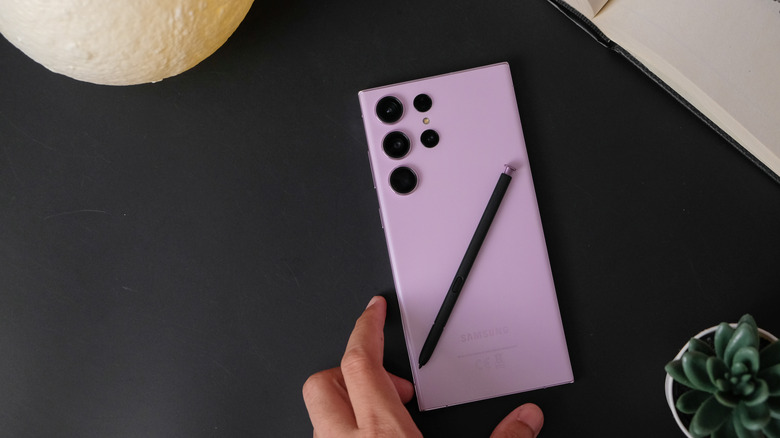
As the update continues to propagate globally, the integration of these AI features will undoubtedly change how we interact with our devices. From the subtle nudges that organize our day to the robust security protocols guarding our data, One UI 9 serves as a reminder that the smartphone remains the most important tool in our digital lives. Whether you are an early adopter currently exploring the beta or a casual user waiting for the notification to pop up in your settings, the transition to One UI 9 is a necessary step into a more automated, secure, and intelligent future.
For those whose devices have not yet received the prompt, remember that the Settings > Software Update > Check for updates path is your best friend. Monitor official Samsung news channels for your specific region, as the rollout timeline is often adjusted based on local network carrier certifications. The wait may be short, but the preparation you do today will ensure that when that progress bar finally hits 100%, your experience will be nothing short of seamless.