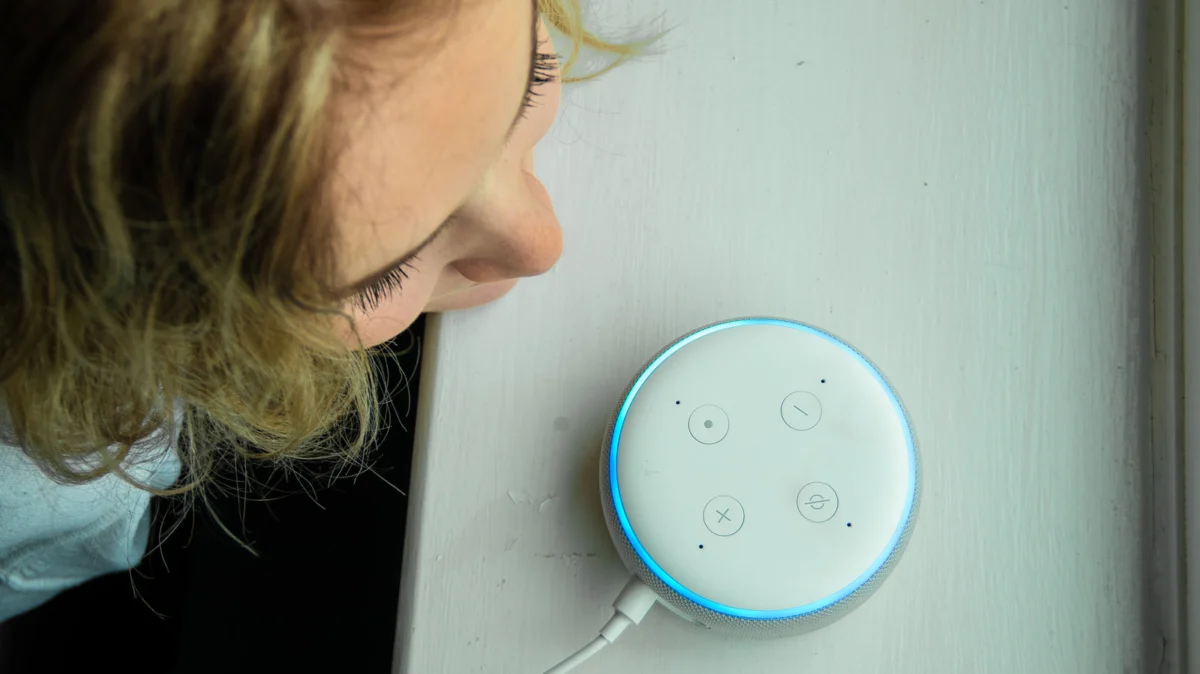
For years, the Amazon Alexa experience was defined by a singular, recognizable voice: professional, helpful, and unmistakably robotic. While that tone became a staple of modern smart home living, Amazon has spent the last several years refining its digital assistant to be more than just a functional tool. Today, for Alexa+ and Prime subscribers, the interaction model has shifted from a static interface to a customizable ecosystem, allowing users to tailor the AI’s personality, tone, and vocal characteristics to better match their personal preferences.
Whether you prefer the efficiency of a "Brief" responder or the wit of a "Sassy" companion, the ability to modify how your smart home sounds is now a core feature of the Amazon Echo ecosystem.
Main Facts: The New Era of AI Customization
The core evolution of Alexa lies in the decoupling of "function" from "form." Historically, changing how Alexa sounded was a limited affair, often requiring third-party skills or temporary celebrity overlays. Today, Amazon has integrated native support for a variety of voice types and "Personality Styles" directly into the device firmware.
It is critical to note that these changes are purely aesthetic. Choosing a "Chill" or "Sweet" personality does not fundamentally alter the AI’s logical processing, search capabilities, or device control accuracy. You are still communicating with the same underlying Amazon AI architecture, but the delivery of that information is now nuanced.
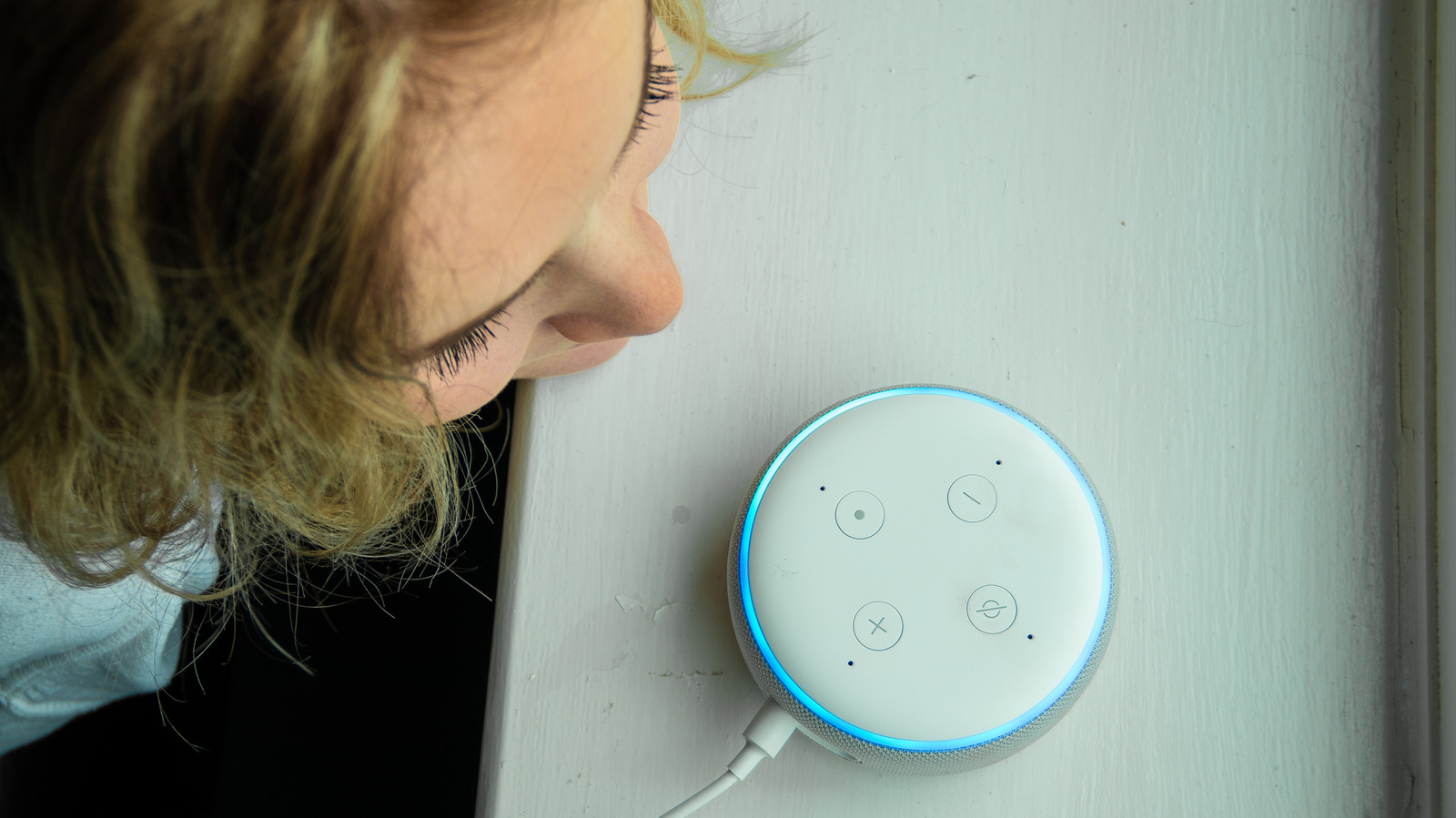
These settings are managed on a per-device basis. If you have an Echo Dot in the kitchen, an Echo Show in the bedroom, and an Echo Pop in your home office, you must configure each one individually to achieve a uniform "personality" across your home. This granular control allows for a personalized environment—perhaps your kitchen Alexa is set to "Brief" to help you quickly set timers, while your living room device is set to "Chill" for casual conversation.
A Chronological Look at Alexa’s Vocal Evolution
The trajectory of Alexa’s voice has moved from utilitarian to expressive.
- The Early Years (2014–2018): Alexa was introduced with a single, neutral female voice. During this period, the focus was entirely on natural language processing (NLP) and the reliability of voice commands.
- The Celebrity Phase (2019–2021): Amazon experimented with "Celebrity Voices," featuring personalities like Samuel L. Jackson, Melissa McCarthy, and Shaquille O’Neal. These were marketed as premium add-ons, but they eventually hit a technical wall regarding maintenance and scalability.
- The Shift to Nuanced AI (2022–Present): Moving away from pre-recorded celebrity snippets, Amazon pivoted toward generative and model-based personality styles. This allowed the assistant to sound more human without the massive storage footprint required by celebrity voice packs.
- The Current Ecosystem: Today, the focus is on a spectrum of styles—Brief, Chill, Sweet, Sassy, and Original—which are driven by real-time voice synthesis rather than static recordings.
Supporting Data: How to Implement Changes
For users looking to refresh their device’s personality, Amazon has provided two primary pathways: voice-based configuration and the Alexa mobile application.
The Voice-Prompt Method
The most immediate way to modify your device is to simply engage it. By saying, "Alexa, change your voice," or "Alexa, change your personality style," the device will initiate an interactive dialogue. It will list the currently available options for your specific region and walk you through the selection process. This is the fastest way to audition the various styles without navigating menus.
The App-Based Configuration
For those who prefer a visual interface or are configuring multiple devices, the Alexa app remains the gold standard:
- Open the Alexa App on your smartphone.
- Navigate to the Devices tab.
- Select the specific Echo Device you wish to modify.
- Tap the Settings (gear icon) in the top right corner.
- Locate Alexa’s Voice or Alexa’s Personality Style under the device settings menu.
- Swipe through the options and select your preference.
Note: If you select the "Sassy" personality, you will be prompted with an "Adults Only" disclaimer. This is a safeguard, as the Sassy personality is designed to be more playful, witty, and occasionally dismissive, which may not be appropriate for all users or household environments.
Official Responses and Strategic Implications
Amazon’s decision to roll out these personality styles is not merely a "fun" feature; it is a calculated strategic move to increase user engagement. By anthropomorphizing the device, Amazon creates a stronger emotional bond between the user and the technology.
In official statements, Amazon representatives have emphasized that these styles are designed to make the AI feel more like a "partner" than a "servant." By allowing for a "Brief" mode, they acknowledge that power users often find excessive verbal confirmation redundant. By offering "Chill" or "Sweet" modes, they cater to a demographic that views the smart speaker as a companion for casual interaction.
However, these changes have implications for privacy and parental controls. The inclusion of more "adult-oriented" or "sassy" responses necessitates that parents be aware of the settings enabled on devices in children’s rooms. While Amazon maintains that these styles are not "NSFW" (Not Safe For Work) in a prohibited sense, the shift toward a less neutral AI means that the unpredictability of responses has increased.
Technical Limits and Future Outlook
While these advancements are significant, there are hard limits to what a user can change:
- Wake Words: Changing your personality does not change your wake word. If you find yourself wanting a total refresh, you must go into the device settings to change the wake word separately.
- Regional Availability: Not every personality style is available in every country. Due to linguistic nuances and regional cultural standards, the "Sassy" or "Chill" modes may vary significantly or be entirely absent in certain international markets.
- The End of Celebrity Voices: Users often search for the old celebrity voices, only to find they are no longer supported. This serves as a cautionary tale: features tied to specific high-profile licensing agreements are often ephemeral. The current "Personality Styles" are a much safer bet for longevity, as they are generated by Amazon’s internal AI models.
- Children’s Modes: For families, Amazon continues to push the Amazon Kids+ subscription. This is the only way to access specialized "Animal" voices and child-friendly personality filters. These are distinct from the standard adult personality styles and are heavily moderated for safety.
Conclusion: The Home as a Living Environment
The transition from a static, robotic voice to a dynamic, multi-faceted persona marks a maturation in the smart home industry. As we spend more time interacting with AI, the desire for that AI to "fit" into our social environment—whether that means being quick and to the point or having a bit of a dry wit—becomes paramount.
While the hardware under the hood remains largely the same, the experience of living with Alexa is now firmly in the hands of the user. By taking the time to configure these personalities, you are not just changing a sound file; you are defining the tone of your home. Whether you keep it professional with the "Original" setting or lean into the humor of the "Sassy" style, the choice is now yours, reflecting a broader trend toward personalized technology that bends to the user, rather than the other way around.