
The landscape of business automation is undergoing a radical shift. For years, integrating disparate software systems—connecting your CRM to your accounting suite or your email to your project management tools—required expensive consultants, intricate API knowledge, or a subscription to middleware platforms like Zapier or Make. Today, that barrier to entry is crumbling.
OpenAI’s Codex, a sophisticated desktop-based intelligence platform, is moving AI from the realm of reactive chatbot assistants into the sphere of proactive, autonomous agents. By bridging the gap between natural language and complex system execution, Codex allows business owners, marketers, and operators to automate multi-step workflows without writing a single line of code.
Understanding the Architecture of Codex
The most significant hurdle for many potential users is a fundamental misunderstanding of what Codex actually is. Many assume it is a tool strictly for software engineers; however, according to industry experts like Karl Yeh, it is designed specifically for the non-technical business user.

To demystify the technology, it helps to view the AI ecosystem in two parts: the "Brain" and the "Harness." The "Brain" consists of the models (such as GPT-4o or specialized reasoning engines), while the "Harness" is the interface—the desktop application—that allows that brain to interact with your computer’s local environment and files. Unlike the web browser version of ChatGPT, which lives in a sandbox, the Codex desktop application acts as a digital worker, capable of reading, writing, and manipulating files directly on your local network or hard drive.
The shift here is from "reactive" to "proactive." While a standard chatbot waits for a prompt to write a summary, a Codex agent can be instructed to monitor a folder, detect a new invoice, reconcile it against a database, and trigger an alert if a discrepancy is found—all autonomously.
Deployment: Getting Started with Codex
Transitioning to Codex requires a departure from browser-based habits. The process begins by downloading the dedicated Codex desktop application (available for Windows and macOS).
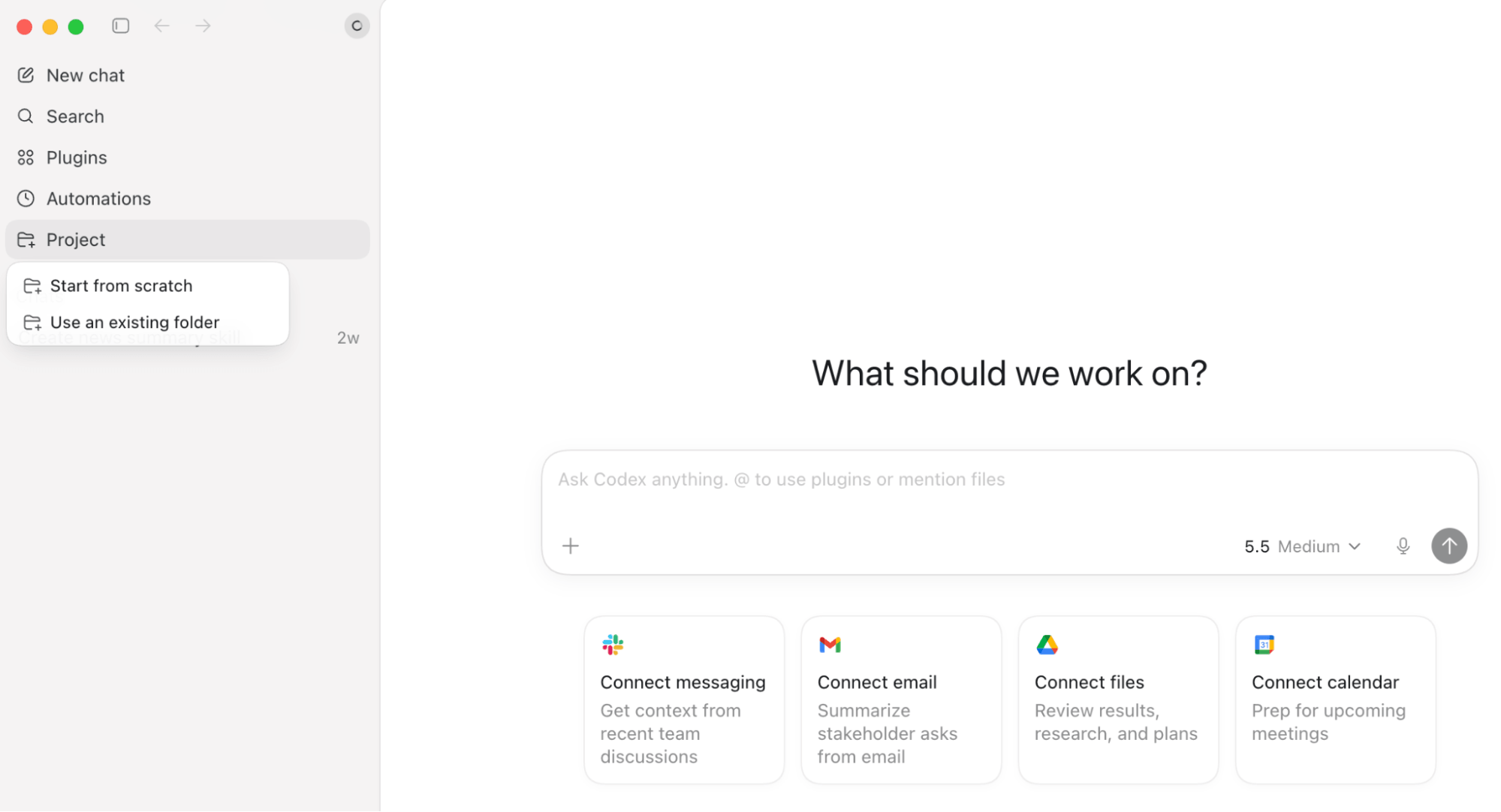
Initial Setup and Connectivity
Upon launching, users encounter an interface that feels familiar, featuring a sidebar for chat history, but with critical additions for "Plugins" and "Automations." The power of the system lies in its file-system integration. You point the application toward a specific folder, and it gains the capability to execute commands within that directory.
Security and Best Practices
As with any automation tool that interacts with sensitive business data, security is paramount. The primary recommendation for new users is the implementation of a "Scoped Folder" strategy.
- The Scoped Folder Rule: Never connect Codex to a root drive or a high-level directory that contains your entire company’s infrastructure. Create a dedicated folder specifically for AI-driven tasks. This ensures that even if an agent behaves unexpectedly, it is confined to a sandbox of your choosing.
- Permission Levels: Users should default to the most restrictive permission settings until they have audited the AI’s behavior. Understanding the "read-only" vs. "read-write" capabilities is essential to maintaining data integrity.
- Mitigating Prompt Injection: A sophisticated security risk involves "prompt injection," where external data (such as a malicious script hidden in a webpage an agent is scraping) tries to override your instructions. To defend against this, experts suggest a "Separation of Concerns" framework: use one agent to gather raw data, a second agent to verify its integrity, and a third (internal) agent to act upon the validated information.
Executing Recurring Processes: Skills and Plugins
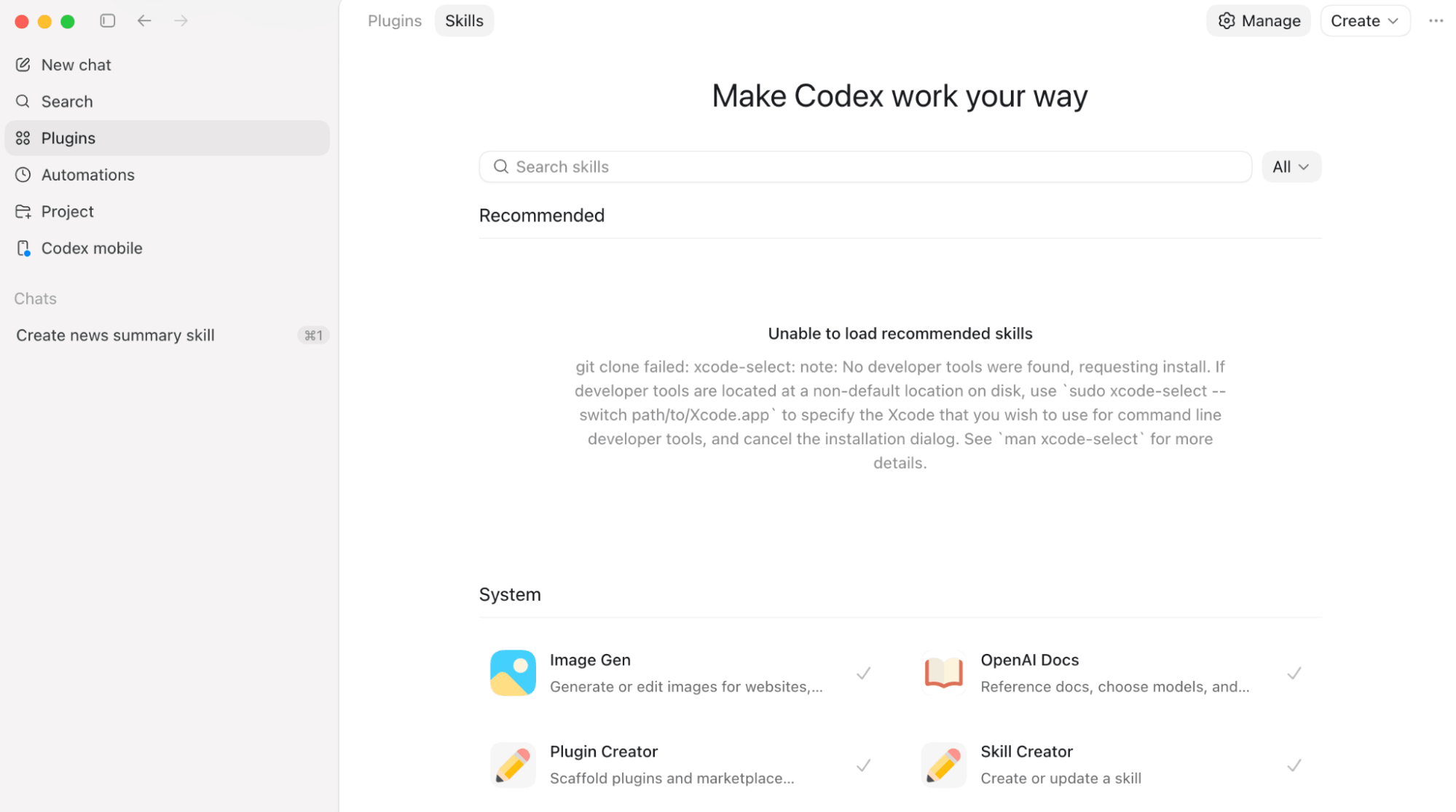
Once the environment is secured, the true value of Codex is unlocked through its library of Skills and Plugins.

The Power of Skills
A "Skill" is essentially a codified instruction set that teaches the AI how to execute a specific, repeatable business process. For example, rather than asking the AI to "write a blog post" every morning—which often leads to inconsistent brand voice—you can build a "Brand Voice Skill." You upload your style guide, tone parameters, and formatting preferences. Once saved, this skill ensures that every piece of content generated by the AI adheres strictly to your organizational standards.
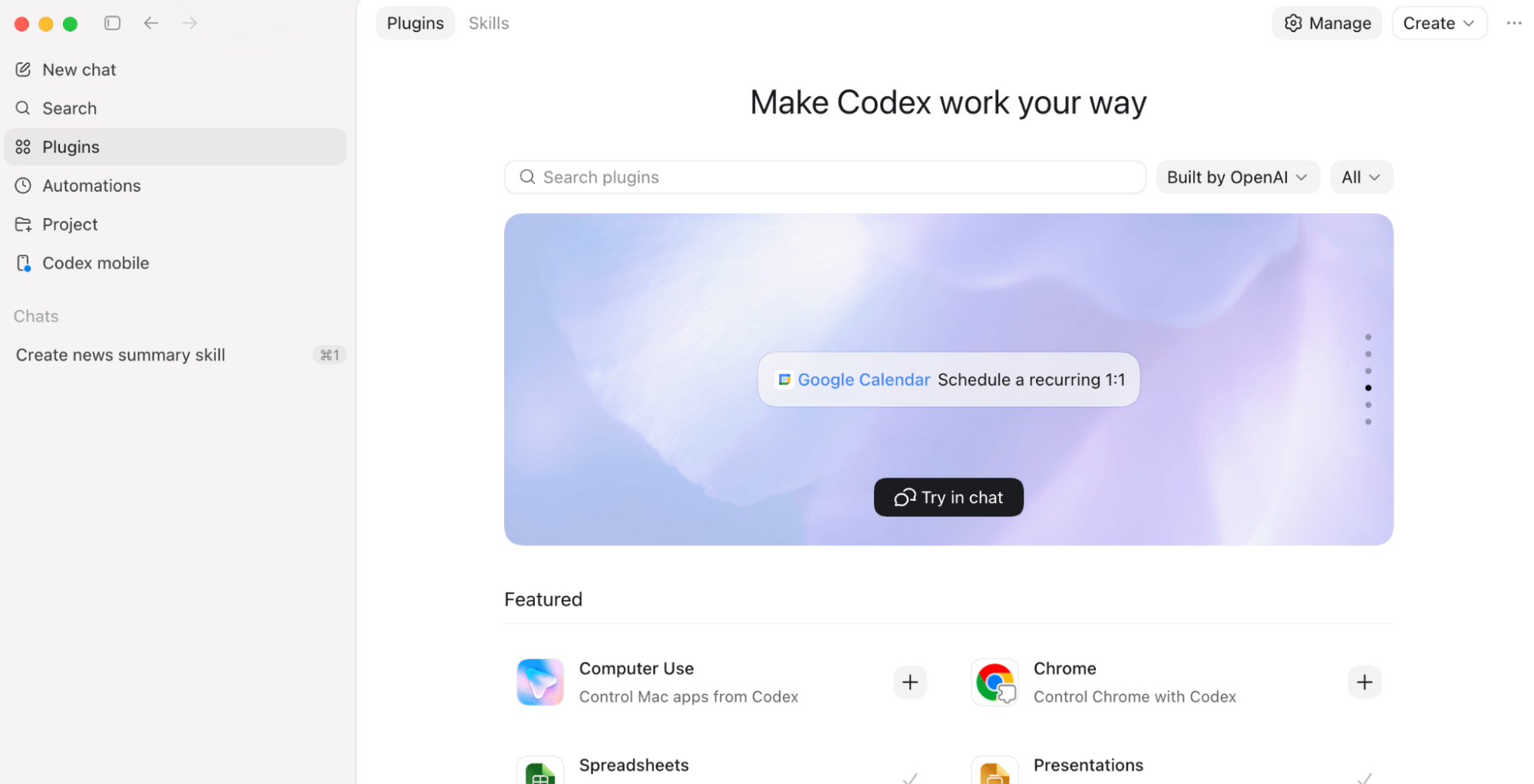
The Chrome and Computer Use Plugins
The recently released Chrome plugin is arguably the most transformative feature in the directory. By installing the extension, Codex gains the ability to interact with the web browser as a human would: clicking buttons, filling out forms, and navigating complex legacy interfaces that lack modern APIs.
Coupled with the "Computer Use" plugin, which allows the AI to control local desktop applications, businesses can finally automate legacy software that has been resistant to digital transformation. This is particularly useful for morning routines, such as having the AI open a project management suite (like Notion or Asana), summarize open tasks, and push a concise briefing to an encrypted messaging app like iMessage or Slack.
Scheduled Automations: Goals, Automations, and Heartbeats
Codex introduces a more structured way to manage time-based workflows.
The /goal Command
The /goal command is the engine of autonomous productivity. When you enter a command such as, "Monitor LinkedIn mentions of our brand every 4 hours," Codex does not just answer once; it sets up a persistent monitoring loop. You define the objective, and the AI works independently until the goal is achieved or the process is manually terminated.
Threaded Automations vs. Heartbeats
For recurring tasks, users have two primary patterns:

- Threaded Automations: Each execution creates a new, independent conversation. This is ideal for tasks requiring a clean audit trail, such as weekly financial reports or monthly reconciliation, where you want to review each instance separately.
- Heartbeat Automations: This allows for continuity. The AI "wakes up" at set intervals, checks the status of the ongoing project, and resumes exactly where it left off. This is superior for long-term research projects or complex workflows that require the accumulation of context over time.
Case Study: Efficiency in Construction
To understand the real-world impact, consider the experience of a construction company struggling with invoice reconciliation. Previously, the firm spent three days a month manually comparing vendor invoices against spreadsheets.
By transitioning to a Codex-based workflow, the firm reduced this process to 15–30 minutes. The workflow is now automated: invoices are dropped into vendor-specific folders, and every Sunday at 10:00 PM, the system triggers five parallel subagents. Each agent processes its assigned vendor folder, reconciles the data against a master spreadsheet, and produces a final summary for management to review on Monday morning.
This case study highlights the "Subagent Architecture," where a primary goal is broken down into parallel, specialized tasks, significantly increasing throughput compared to traditional linear AI workflows.
Implications for the Future of Work
The rise of Codex and similar agentic AI tools signals the end of the "copy-paste" era of business administration. As these tools become more capable of navigating legacy systems and executing multi-step business logic, the role of the human operator will shift from manual data entry to "architecting workflows."
The competitive advantage in the coming years will not belong to the companies with the most data, but to those who can effectively orchestrate autonomous agents to act on that data. By reducing the friction between digital systems, OpenAI’s Codex is providing a roadmap for how businesses can scale operations without a proportional increase in headcount.
As with any powerful technology, success will depend on a rigorous approach to security, clear documentation of processes, and a willingness to rethink legacy workflows from the ground up. The technology is here; the question for business leaders is no longer whether they can afford to automate, but how quickly they can adapt to this new, proactive paradigm.